Custom Admin & CMS
Update your own website, without calling a developer
We build simple, custom admins that let owners and staff update events, menus, galleries and posts themselves. It’s built around how you actually work, not a cluttered WordPress dashboard.
Sound familiar?
- Every small change means emailing a developer and waiting a week.
- Our WordPress dashboard is so cluttered that nobody on staff wants to touch it.
- We pay for a stack of plugins just to keep the site running.
- Our events calendar is always out of date.
- Website inquiries get buried in someone’s personal inbox.
What’s included
- Owner and staff logins, including passwordless sign-in with an emailed code
- Editors for the content you actually change: posts, events, menus, galleries, team bios and documents
- Draft and published states, so nothing goes live before it’s ready
- Drag-to-reorder for menus, galleries and lists
- Batch photo upload with automatic resizing into fast, modern formats
- Recurring events with skip dates and a preview of upcoming dates
- An inquiry inbox that keeps every message, with attachments and a handled status
- A walkthrough at launch and plain-language help whenever you need it
- weekly residencies that fill Poodie’s calendar on their own
- 5weekly residencies that fill Poodie’s calendar on their own
- paintings across five galleries in Ruff Studios’ artist admin
- 52paintings across five galleries in Ruff Studios’ artist admin
Your website should keep up with your business
A website goes stale the moment updating it becomes a chore. The band changes, the menu gets a new dish, a board member steps down, and the site still shows last season. Customers notice, and they stop trusting what they read.
Most small businesses and nonprofits are handed a WordPress dashboard and a pile of plugins. That dashboard was built to do everything for everyone, so it fits no one. Staff are afraid to break something, plugins need constant updates and renewals, and simple edits end up in a developer’s queue.
A custom admin flips that around. It shows only the things you actually change, labeled in your words, and it works the way your team already works. Sign in, make the change, and it’s live.
Built around how you actually work
Every admin we build is different, because every business is. A few features come up again and again:
- No passwords to forget. Sign in with a one-time code sent to your email.
- Drafts and published. Work on something over a few days and publish it when it’s ready.
- Drag to reorder. Put menu items, paintings or team members in the order you want.
- Batch upload. Drop in a folder of photos and get one draft per photo, already resized.
- Recurring events. Set a weekly show or a quarterly meeting once and let the calendar fill itself.
- An inquiry inbox. Every contact form message is saved in one place, so nothing gets lost.
- Changes go live instantly. No publishing queue and no waiting on anyone.
How we work
1. Watch how you work today
We start by asking who updates what, how often, and what’s painful right now. The answers shape the admin more than any template could.
2. Design screens around your content
A venue gets shows and a menu. A church gets elders, events and documents. An artist gets galleries. Each screen uses your words and only the fields you need.
3. Build, then test it with your team
Before launch, the people who will use it every day try it out. If something feels awkward, we change it.
4. Hand it over and stay close
We walk your team through it and stay available afterward. When you need a new kind of content later, we add it.
What it looks like in practice
Poodie’s Hilltop Roadhouse, a live-music honky-tonk outside Austin, used to hand-edit an HTML table for its calendar. Now the owner manages shows, cover prices, ticket links, sold-out flags, a drag-to-reorder menu with dish photos, a poster wall and a messages inbox, and changes go live instantly. Five weekly residencies fill the calendar on their own, with skip dates.
Ruff Studios is the online gallery of Lee’s Summit painter Wayne Ruff. He creates his own galleries, batch uploads photos so each one becomes a draft titled from its filename, reorders pieces, marks them available or sold, and edits his announcement bar with no developer involved.
Bellicose Church in Kansas City gave its staff an admin for elders, deacons, events, contact messages and PDFs, each with draft and published states. Events repeat on rules like “3rd Thursday of each quarter,” with a preview of upcoming dates. Replacing a PDF keeps its link, so printed and shared links never break.
MCA WoodWorks, a Kansas City remodeling contractor, signs in with an emailed one-time code. The owner runs the blog, the project gallery and an inquiries inbox where each message has its attachments, a handled status and a link to the matching job in JobTread.
Why partner with Ember Digital
No plugin treadmill. You aren’t paying for a dozen plugins or waiting on their updates. The admin does what you need and nothing else.
You own your content. Your words, photos and records stay yours, along with your domain and accounts.
We stick around. We’re based in the Kansas City metro and Austin and work with clients nationwide. When your business changes, your admin changes with it, and you can always reach the people who built it.
Admin & CMS in our work
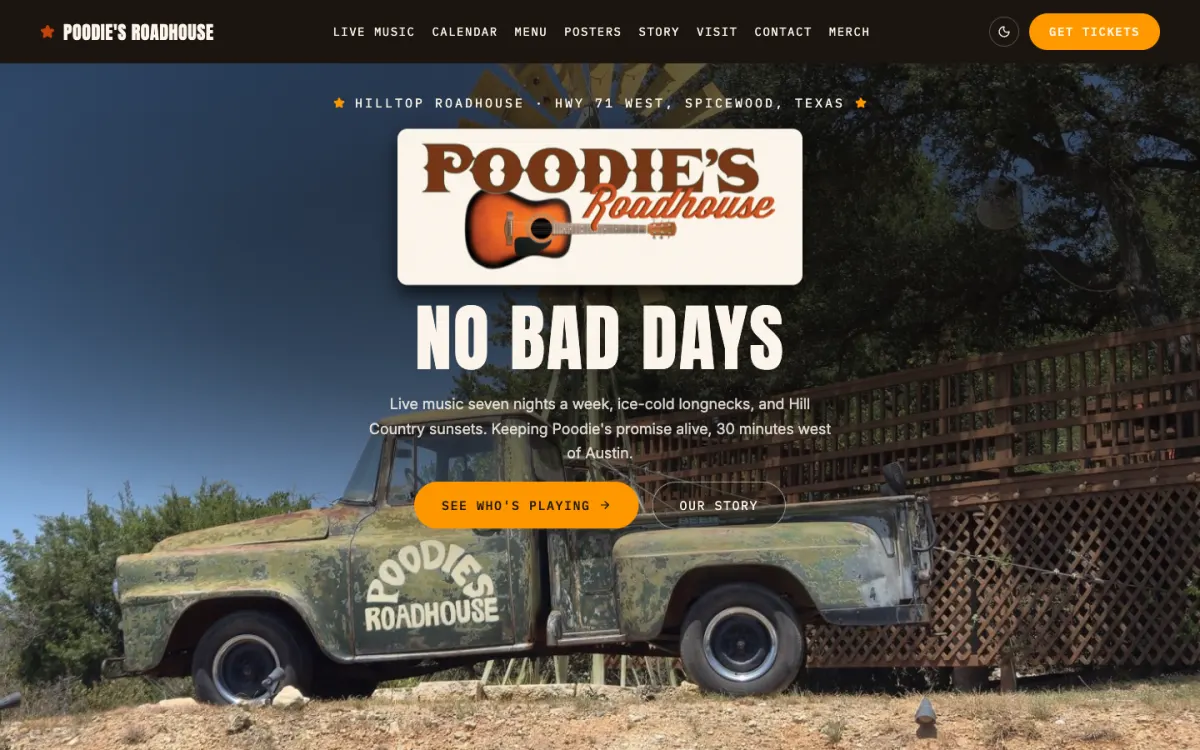
Poodie's Hilltop Roadhouse
Spicewood, TX (Austin area)
Poodie's Hilltop Roadhouse books live music seven nights a week. We replaced a hand-edited Dreamweaver site with one whose calendar updates itself from the venue's Google Calendar every night.
Read the case study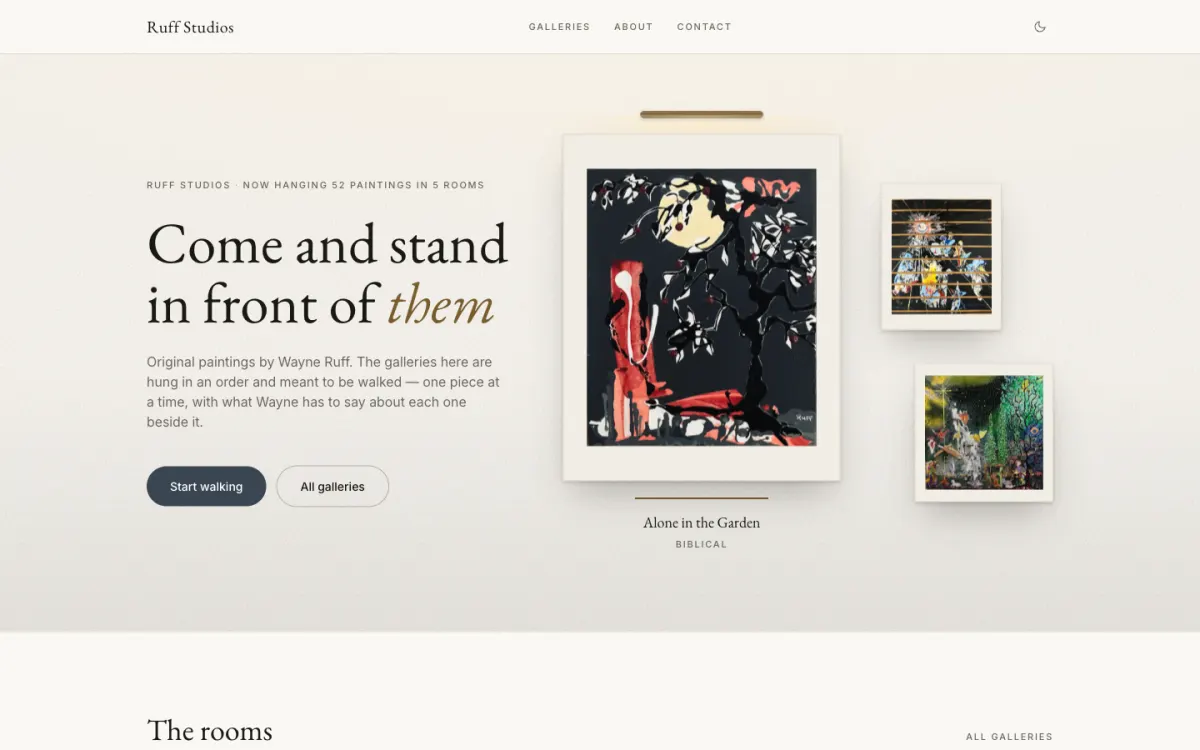
Ruff Studios
Lee's Summit, MO
Painter Wayne Ruff hangs his work in a deliberate order. We built him walkable 3D gallery rooms, plus an artist-friendly admin that lets him load forty paintings in an evening.
Read the case study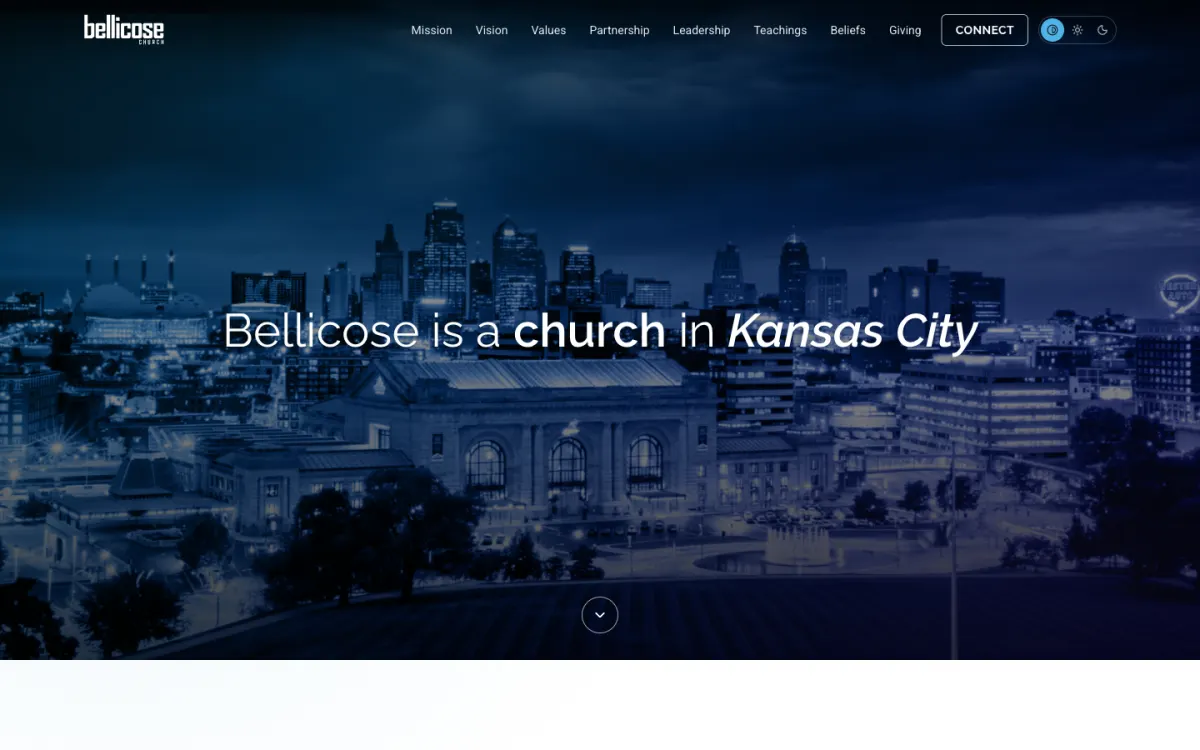
Bellicose Church
Kansas City, MO
Bellicose Church's website dated to 2014 and was showing visitors security warnings. We moved every word to a fast, secure, accessible new site and gave staff tools they can actually update.
Read the case studyFrequently asked questions
What is a custom CMS?
A custom CMS is a content management system built for your specific website and business. Instead of a general dashboard full of options you never use, it shows only the content you actually update, like events, menus, galleries or team bios.
Is a custom admin better than WordPress for a small business?
For most small businesses that update a handful of things regularly, a custom admin is simpler and easier to live with. There are no third-party plugins to keep updated or renew, and staff only see the screens they need.
Can my staff update the website without a developer?
Yes, that’s the whole point. We build the admin around your content and your team, give everyone their own sign-in, and walk them through it at launch. Most changes go live the moment they hit save or publish.
What if we need a new kind of content later?
We add it. Because we built the admin, adding a new section, field or inbox is a normal request, not a rebuild, and we stay available after launch for exactly that.