Integrations & Automation
Your website, connected to the software that runs your business
We connect your website to the tools you already use, so every lead, booking and update lands in the right place on its own. Then we automate the repetitive work nobody has time for.
Sound familiar?
- We retype every web lead into our shop software.
- Our calendar lives in one place and our website says something else.
- We pay for a booking tool that doesn’t talk to anything we use.
- When a form breaks, we don’t find out until a customer calls to ask why we never answered.
- We know we should post our finished work, but nobody has the time.
What’s included
- An audit of the tools you already pay for and where data gets retyped today
- Website forms that create records directly in your shop, job or CRM software
- On-site booking that writes to your existing system and prevents double-booking
- Scheduled imports that keep your website in sync with your calendar
- Leads saved first, with automatic daily retries if a connected service is down
- Weekly connection health checks that email you if something breaks
- Plain-language documentation of what runs, when, and what to do if it stops
- Ongoing support as your software and your business change
- draft blog posts created from finished MCA WoodWorks jobs
- 12draft blog posts created from finished MCA WoodWorks jobs
- events in Poodie’s booking calendar the site imports from
- 5,400events in Poodie’s booking calendar the site imports from
Why integrations matter for a small business
Most small businesses already pay for good software. A shop runs on its shop management system. A contractor runs on job management software. A venue runs on a shared calendar. A church runs giving through its church platform. The problem is that the website usually sits off to the side, disconnected from all of it.
So someone copies leads from an inbox into the real system. Someone updates the calendar, then updates the website. Someone forgets, and a lead goes cold or a show is missing from the page. None of that work grows the business. It just keeps it from slipping.
Integration means your website becomes the front door to the software you already trust. A customer fills out a form and the record appears where your team works. A booking is made and the slot is gone everywhere. Automation goes one step further and handles the chores that happen on a schedule, so they happen even on your busiest week.
For an owner, the payoff is easy to measure: fewer hours spent on data entry, fewer leads that fall through the cracks, and one source of truth instead of three. For a nonprofit or church with a small staff, it means volunteers and staff spend their time on people, not on copying spreadsheets.
How we work
1. Map how work moves today
We start by listening. Where does a lead come in, who touches it, and where does it end up? We look for every spot where someone retypes, copies or double-checks something by hand. Those are the places an integration pays for itself. Then we rank them by hours saved and leads protected, so the first thing we build is the one that matters most to you.
2. Connect to what you already use
We work with the tools a business already runs on: CRMs, shop and job management software, calendars, ticketing, payments and email. You keep your software, your accounts and your habits. We don’t ask you to switch platforms to fit our work.
3. Build it so it doesn’t lose anything
Connected services go down sometimes. We plan for that. Every lead is saved on your website first, then sent along. If the other system is unavailable, a daily job automatically retries anything that didn’t go through. A weekly health check confirms each connection is still working and emails you if it isn’t, so you hear about a problem before a customer does.
4. Hand it over and stay close
You get a plain-language explanation of what runs, when it runs and what it touches. The accounts stay in your name. After launch we stick around, because software vendors change things and your business will too.
What it looks like in practice
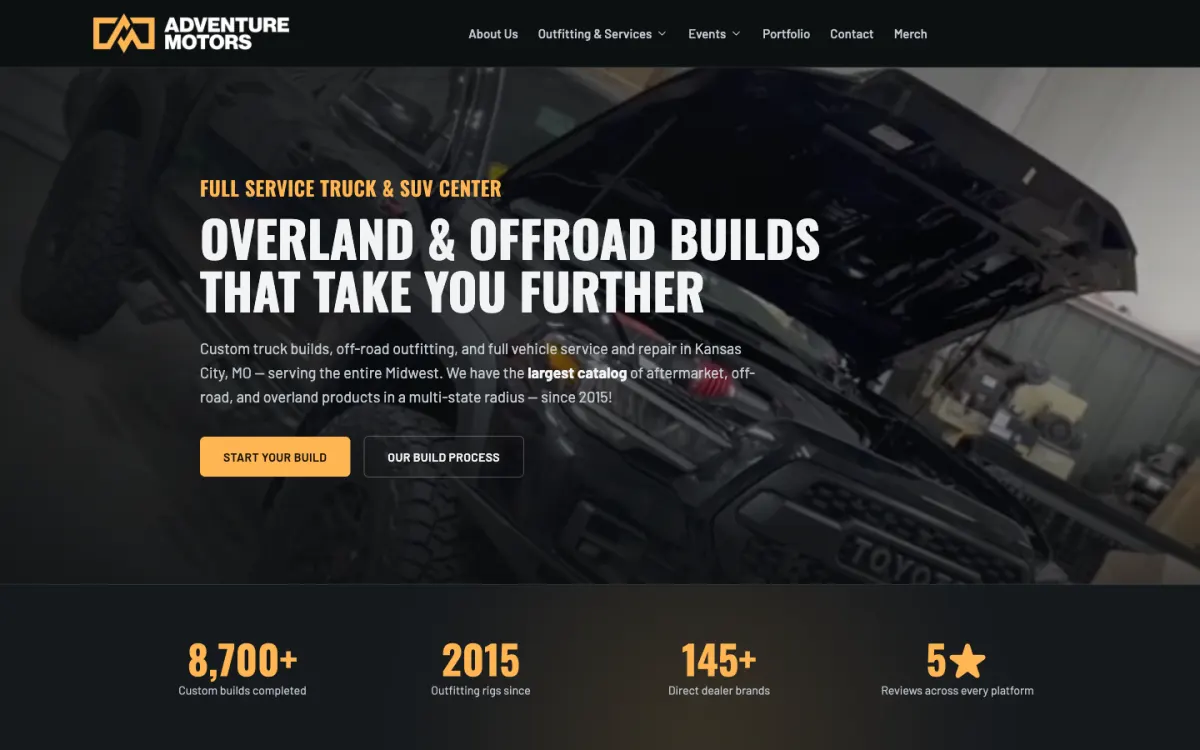
Forms that create work, not email. For Adventure Motors, a Kansas City off-road build shop, both of their websites send form submissions straight into Shopmonkey as work requests, in one shared queue. Newsletter signups become Shopmonkey customers. For MCA WoodWorks, a Lee’s Summit remodeling contractor, every website inquiry creates the customer, contact, address and job in JobTread’s New Lead column, with photos and budget attached. The alert email even includes the new job number.
Booking that replaced a separate tool. Adventure Motors used Calendly for Tune Day appointments. We replaced it with booking on their own site. Each booking creates a named Shopmonkey order, double-booking is prevented, and the owner can cancel unpaid bookings or block off slots himself.
A calendar that fills itself. Poodie’s Hilltop Roadhouse, a live-music venue outside Austin, books shows in Google Calendar. Every night the website imports new bookings as drafts, skips duplicates of the weekly shows, and gets ticket links and artwork pulled in automatically. Five weekly residencies fill the calendar on their own.
Finished jobs become content. Each month, MCA WoodWorks’ completed JobTread jobs turn into draft blog posts with the completion photos, never naming clients or prices. The owner reviews each one before it goes live.
Keeping what already works. When we rebuilt Bellicose Church’s website, giving stayed on Planning Center, where their members already give. For our own Press It! craps apps, purchases run through native App Store and Google Play billing, so customers pay the way they expect.
Why partner with Ember Digital
We’re a small studio serving Kansas City, Austin and clients nationwide, and we build integrations the way we’d want them built for our own business. That means:
- We explain what we built in plain English, not jargon.
- You own your accounts, your domain, your data and your content.
- Reliability comes first: saved leads, automatic retries and health checks.
- We stay on after launch, so you’re never left with a mystery system.
The goal is simple: nobody on your team should have to retype anything ever again.
Integrations in our work
Adventure Motors & Adventure Motors Racing
Grandview, MO
One shop, two disciplines. We replaced a slow WordPress site and Calendly with two fast websites that work like a front desk, sending every lead and booking straight into Shopmonkey.
Read the case study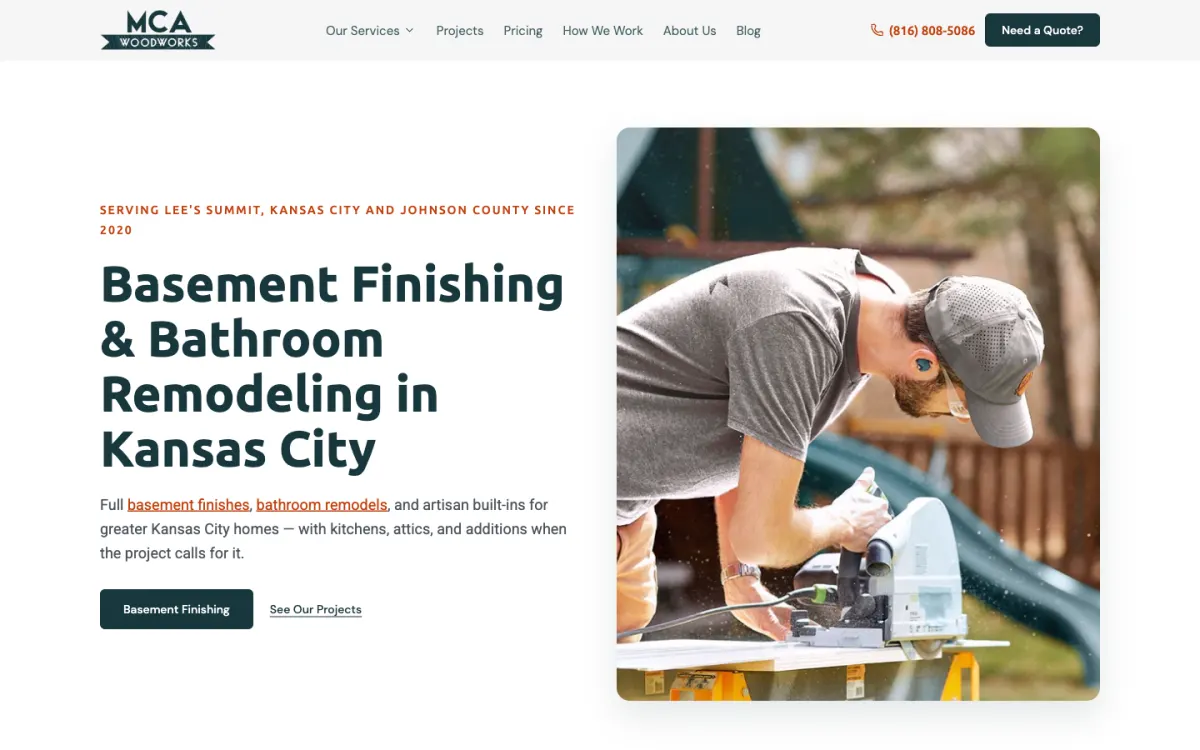
MCA WoodWorks
Lee's Summit, MO
Every inquiry on MCA WoodWorks’ new site becomes a JobTread job automatically, and finished jobs turn into draft blog posts on their own.
Read the case study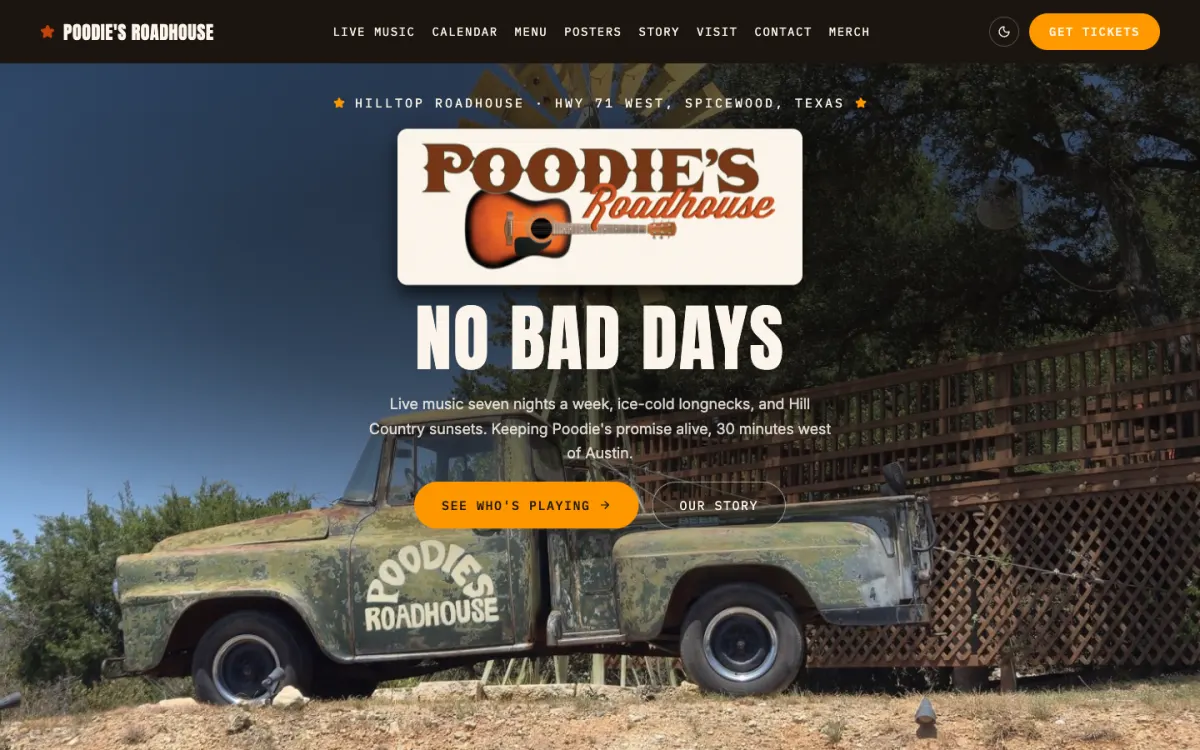
Poodie's Hilltop Roadhouse
Spicewood, TX (Austin area)
Poodie's Hilltop Roadhouse books live music seven nights a week. We replaced a hand-edited Dreamweaver site with one whose calendar updates itself from the venue's Google Calendar every night.
Read the case studyFrequently asked questions
Can my website send leads directly into my CRM or shop software?
Yes, in most cases a website form can create records directly in the software you already use. We’ve built forms that create Shopmonkey work requests and JobTread jobs, with photos and details attached. The lead is saved on your site first, so nothing is lost if the other system is briefly down.
What happens if an integration stops working?
You find out quickly, and leads aren’t lost. Every lead is saved before it’s sent, and a daily job retries anything that failed. A weekly health check tests each connection and emails you if something breaks.
Can I replace Calendly with booking on my own website?
Yes, booking can live on your own website and write directly into the software you run on. For Adventure Motors, on-site booking replaced Calendly, and each booking creates a Shopmonkey order with double-booking prevented. You keep control of slots and cancellations yourself.
Do I have to switch software to work with you?
No, we connect to the tools you already use. That might be a CRM, shop or job management software, a calendar, ticketing, payments or email. Your accounts stay in your name.